

What Is a Mobile WMS?
.jpeg)
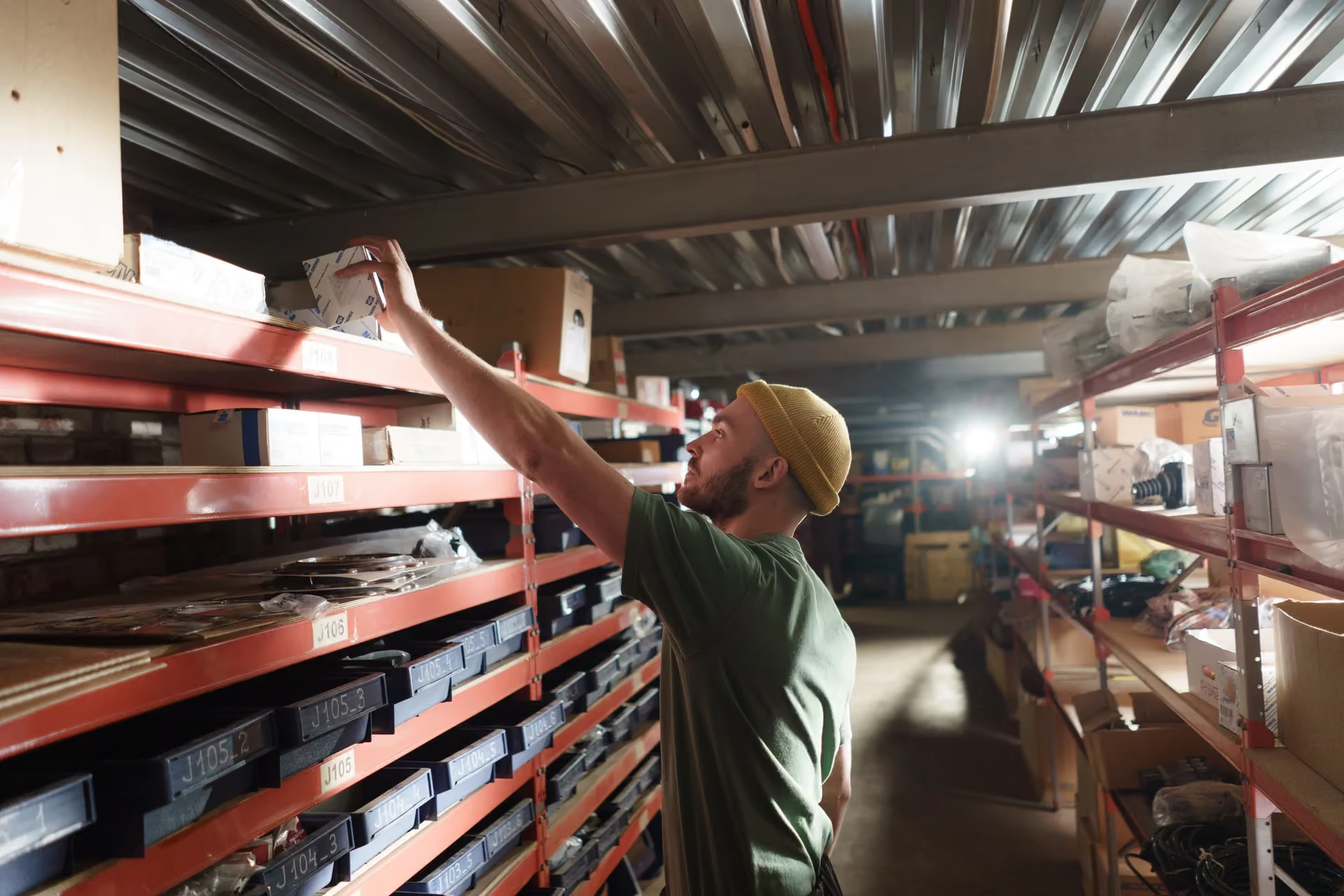
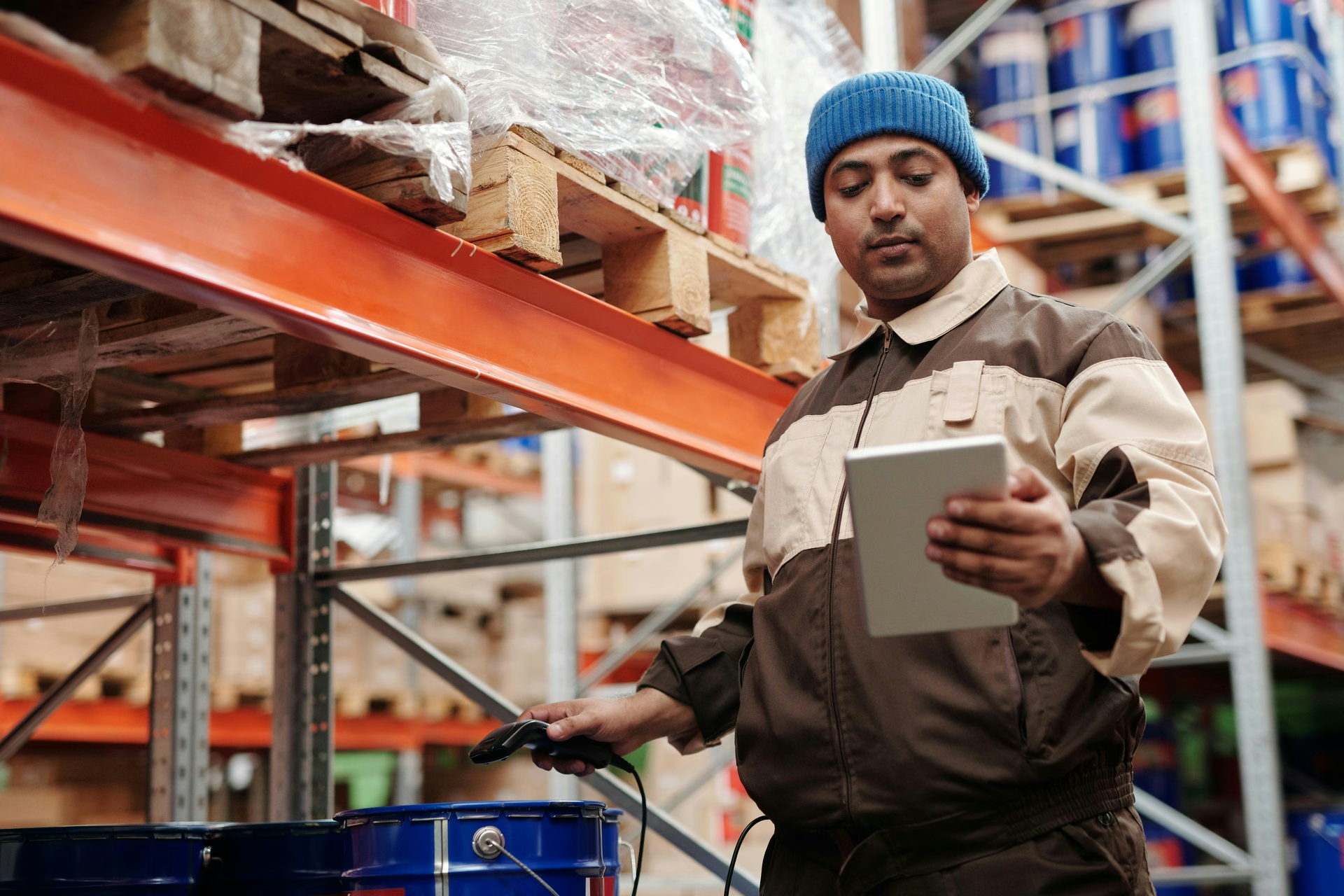
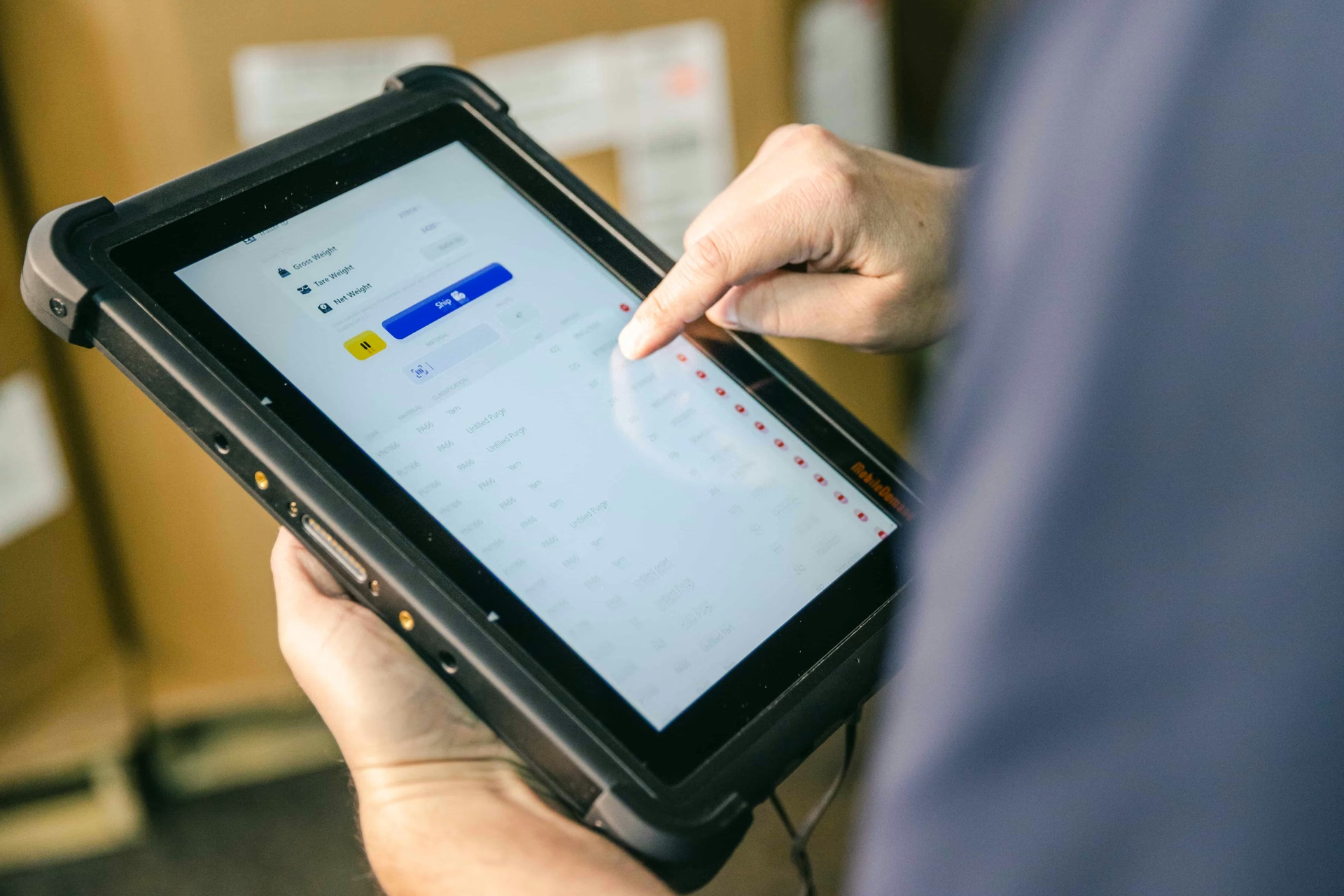
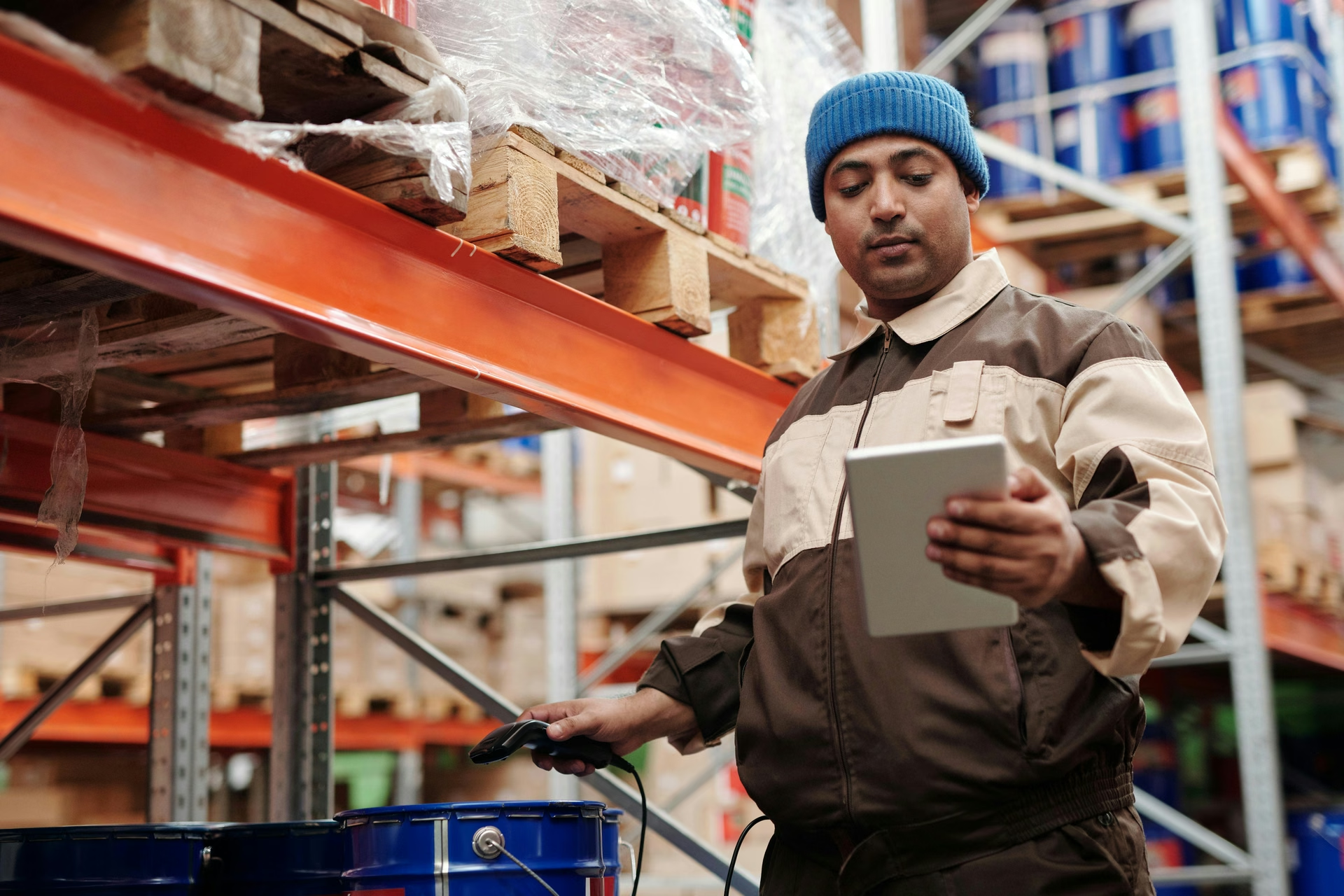
A mobile WMS (or barcode warehouse management system) operates no differently than a standard warehouse management software, as it assists your warehouse operators in managing inventory, picking, packing, and shipping directly on the warehouse floor — but using handheld, wearable, or smartphone devices instead of a desktop.
It's a type of WMS that provides real-time data access for the warehouse manager and workers operating on the warehouse floor, allowing your manager to see the status of tasks and orders in real-time from their station, while the worker can make progress updates on the fly. The purpose of a warehouse barcode system is to help:
- Reduce travel time
- Improve inventory management and accuracy
- Keep operations moving
For a WMS to be considered a mobile one, it needs to have and utilize barcode scanning technology.
With barcode scanning features, you and your staff can move away from manual data entry (either with pen and paper or direct input at a computer) and instead just scan inventory and update the software instantly. Not only is this going to increase the speed at which your business takes to fulfill an order, but it’s also going to massively reduce errors from manual data entry, such as:
- Misread numbers
- Transposed digits
- Missed decimal points
Why Use Barcodes in a Warehouse
For manufacturers, distributors, and wholesalers managing inventory at several different locations or taking an omnichannel selling strategy, barcode scanning ensures that up-to-date inventory levels across all your different sales channels are displayed accurately, eliminating the chance of overselling.
If your warehouse operations ship large volumes of small orders, the chance of an error occurring during picking is higher, and making a mistake at this point is going to cause problems later down the line. Having scanning as a normal stage of the pick, pack, and ship process allows you and your team to ensure the right items are being dispatched before they're handed over to the carrier.
Because each scanned item is tied to a specific record, stock is harder to lose track of without anyone noticing — discrepancies surface quickly, which makes it easier to catch shrinkage or misplacement before it becomes a larger loss.
Barcode scanning is also an inexpensive way to get started: labels and basic scanners cost a fraction of what more advanced tracking hardware requires, which keeps it accessible regardless of warehouse size.
By establishing a warehouse barcode system in your workflows, you'll have a foundation on which you can start bringing more advanced warehouse technology into your business when you want to start scaling and improving your efficiency. Barcode scanning will give you clean, real-time, accurate data, which is essential for advanced tech like:
- Robotics
- Automated storage
- Retrieval systems
- AI-driven demand planning
Exciting stuff, right? The chance to improve your processes and set yourself up for the warehouse of tomorrow.
Let's delve deeper into the world of barcode scanning and figure out what it is and how to make the most use out of it in warehousing.
Types of Barcodes Used in Warehouse Operations
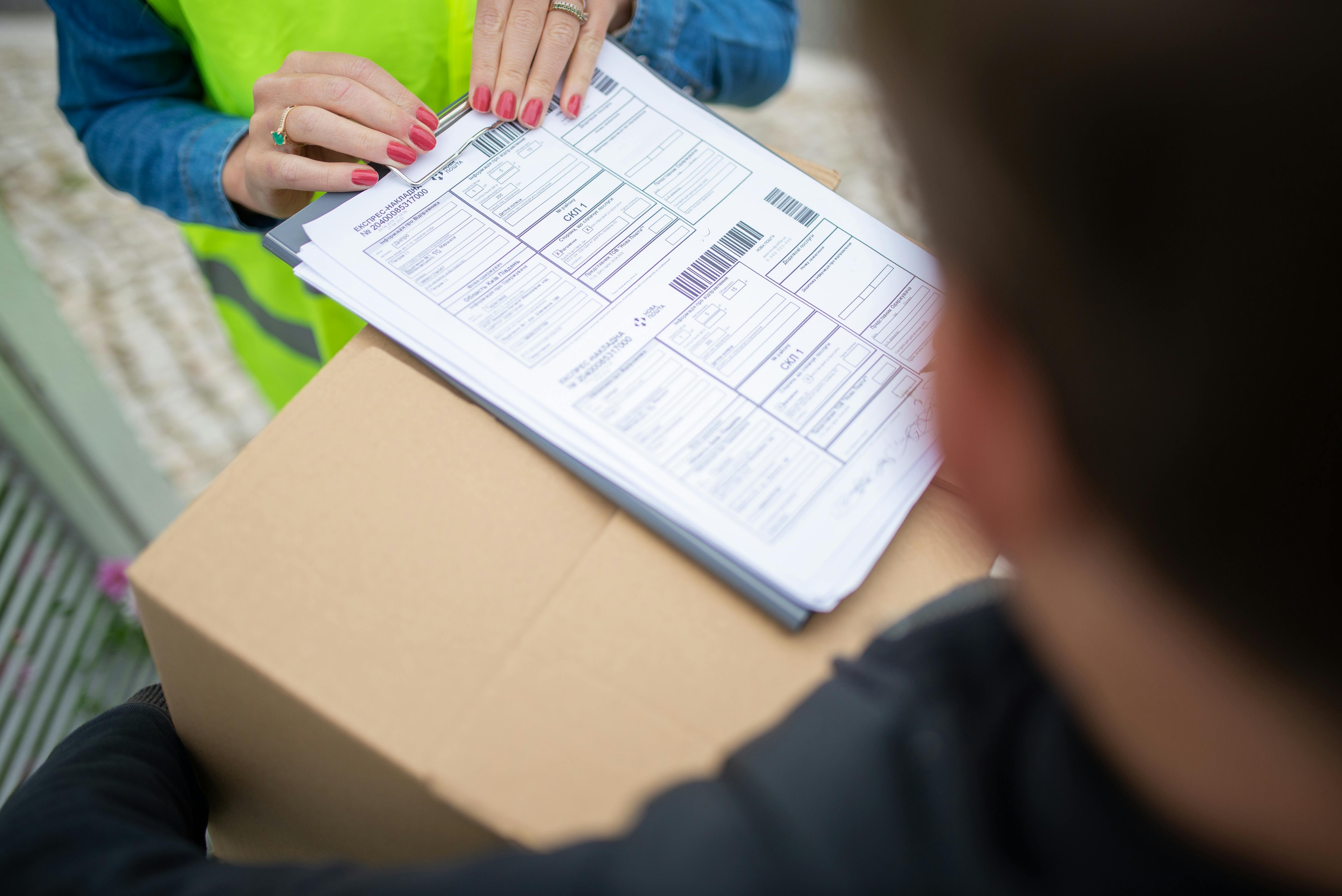
It’s not like an industry secret or something, but barcodes come in all different shapes and sizes and perform different functions.
What that means for you is determining what format is best for you, as picking the wrong type is going to cause a whole bunch of issues, such as:
- Labels that don't scan reliably
- Formats incompatible with existing hardware
- Codes that can't carry the data a workflow actually requires
Before you rush off to the printer and start sticking barcodes on everything, let’s look at the different types and their practical applications.
1D Barcode Formats
These are the ones you’re most likely familiar with, a series of vertical lines, often with numbers beneath them.
But these lines and numbers all serve a different purpose, so let’s look into them:
Code 128
Code 128 barcodes are heavily used in warehousing and logistical operations, supporting the full ASCII character set, allowing you to encode large amounts of data in a compact label, and are the standard choice for:
- Shipping labels
- Pallet tags
- Serialized inventory tracking
GS1-128
This is a variant of Code 128 that takes things a little further by allowing you to track lot numbers, production, and expiry dates. If you are storing and selling products that require traceability after the inventory has left your warehouse, GS1-128 is going to be the barcode for you.
ITF-14
The ITF-14 barcode is designed to be printed directly onto corrugated cardboard, things like cases or cartons, used when labeling is done in bulk shipping environments. Because they’re printed directly onto the corrugated cardboard, the vertical lines of the barcode are wide so they can still be scanned against the low-resolution surfaces they’re printed on.
Code 39
For industries that aren’t worried about data density and need a barcode that is reliable and consistent (industries like automotive and defense) — Code 39 saves the day. For retail product identification at receiving, UPC and EAN barcode formats are typically used. But in a warehouse setting, they aren’t ideal, as internal warehouse tracking requires more data to be tracked.
2D Barcode Formats
If you don’t have much space for barcodes and you need to be able to access a bunch of data, then the 2D barcode format might be best for you.
Data Matrix
If your business is operating in a regulated industry, such as pharmaceuticals, Data Matrix is typically the most appropriate format. However, it is also ideal for other industries, such as electronics, as it can be used in the direct part making and is even capable of being scanned even if the Data Matrix has been partially damaged.
QR Codes
QR codes are the most common 2D format, but we didn’t need to tell you that, you see them everywhere nowadays — from videos to urinals.
The great thing about QR codes is that they serve so many functions and can be read by smartphone cameras, making them extremely accessible and easy to implement for:
- Asset tagging
- Maintenance tracking
- Scenarios where staff may not have dedicated scanning hardware
More and more warehouses use them internally, not just on products but for bin and location labeling, making the picking processes even easier because you can just scan the QR code, make your inventory level updates, and move on.
PDF417
Among all barcode formats, PDF417 can store the most data (over a kilobyte of machine-readable information). It’s commonly used in a bunch of different applications that need a large amount of data to travel with the item, such as:
- USPS shipping labels
- Government-issued IDs
- Transportation documents like boarding passes
How Barcode Scanning Works
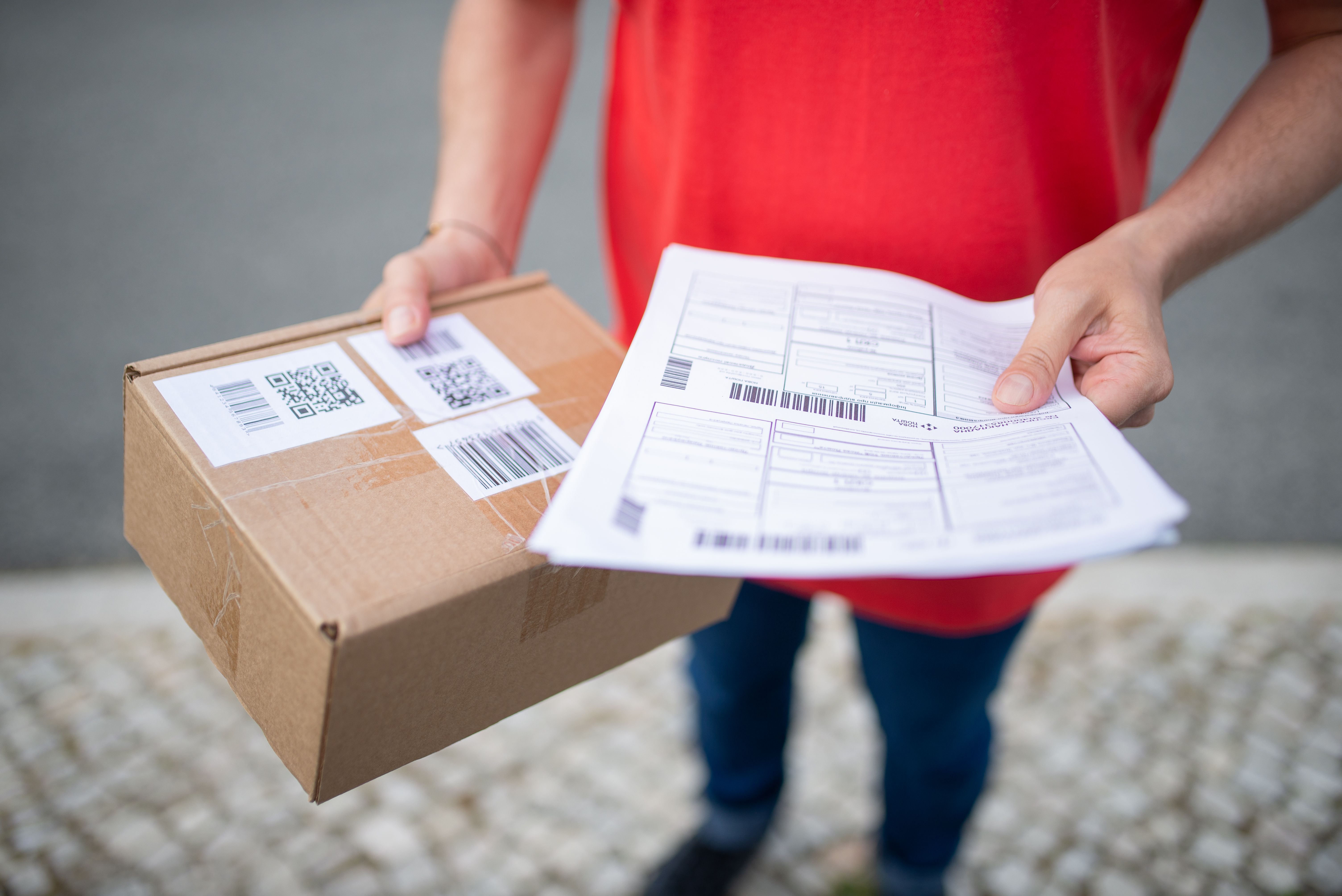
Every barcode scan follows the same basic sequence.
The scanner captures the pattern on the label, decodes it back into the data it represents, and transmits that data to your mobile WMS, which updates the corresponding record immediately.
This is what makes barcode scanning function as a live data source rather than a delayed one. Here is how barcoding gets implemented in a warehouse:
Basic flow:
- Print a barcode or QR label for the inventory, bin, or item that needs to be tracked
- Attach the label to the physical item, box, or shelf it corresponds to
- Scan the label using a barcode scanner or scanning app on a connected mobile device
- Use the scan to open the item's record, update quantities, pick inventory, or move it between locations
Common uses:
- Pick items for shipping by scanning the label on the shelf, which confirms the correct item before it moves to packing
- Consume materials directly from the shelf into a manufacturing job, updating stock without a separate data entry step
- Move inventory between locations by scanning both the item and the destination bin, which automatically logs the transfer
Most handheld or wireless barcode scanners support this flow. The right choice of hardware for your operation depends on a few factors worth walking through.
How to Implement a Barcode System in Your Warehouse
Setting up a barcode warehouse management system doesn't require a major software overhaul — it comes down to three steps:
- Creating your locations
- Printing labels for them
- Folding scanning into the workflows your team already runs
Step 1: Create Warehouse Locations and Bins
- Go to Settings → Bins and create your warehouse locations
- Create individual bin locations for each shelf, rack, or storage area (for example, MAIN-A1)
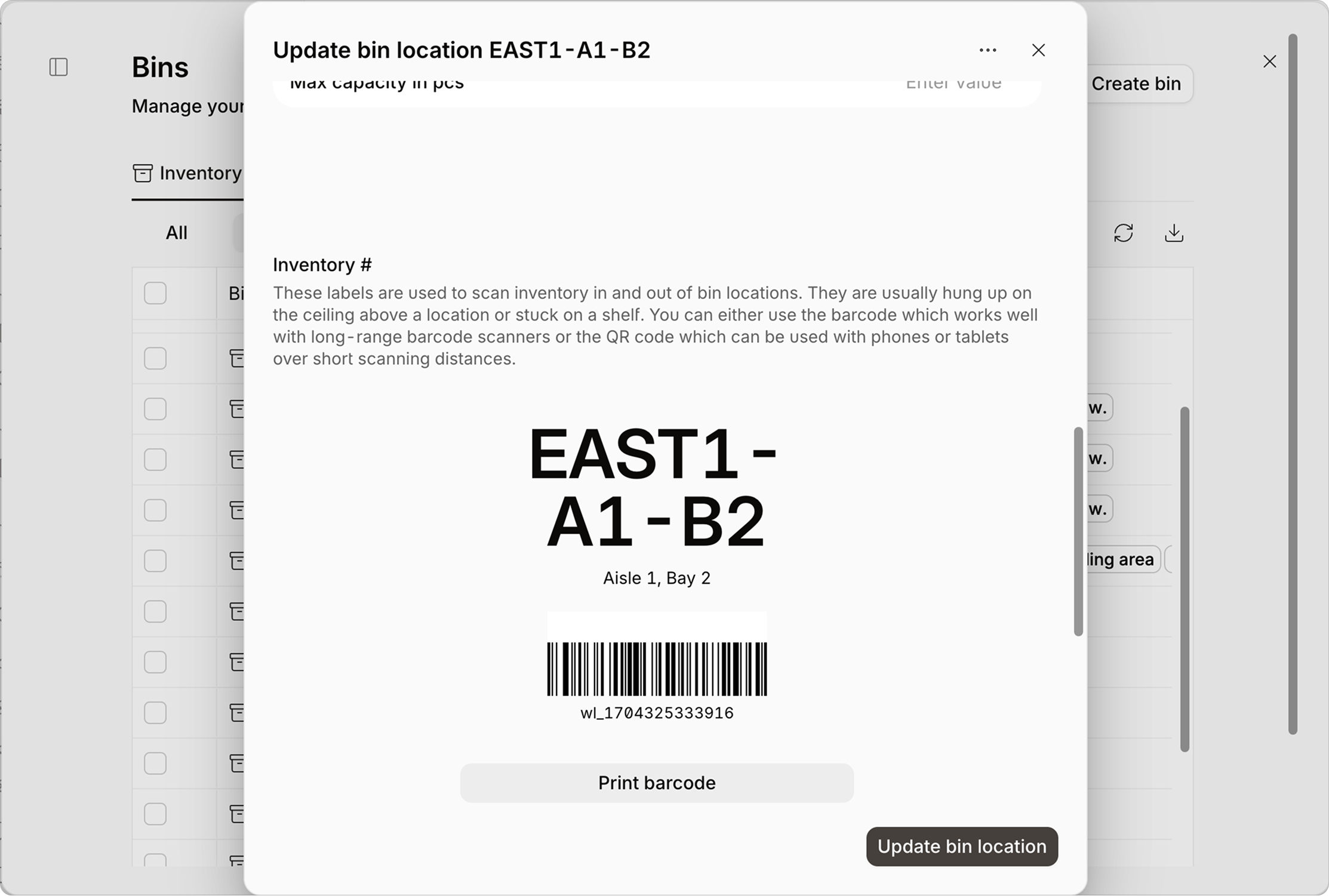
- Once a bin is created, a barcode and QR code are generated automatically for that location — no separate label design step is required

Step 2: Print and Attach Labels
- Print the barcode or QR code generated for each location
- Attach the label to the physical rack, shelf, or bin it represents
Barcode labels are better suited to long-range scanners, while QR codes work well for phones and tablets scanning at close range — worth factoring in when deciding which format to print for a given location.
Step 3: Scan During Daily Operations
- From Inventory, use the Scan Items quick action
- Scan the label to open the item's record, update quantities, or move inventory between locations — following the same capture-to-update process covered earlier
Barcode Labeling Checklist
Before rolling labels out across the warehouse, it's worth running through a quick checklist to catch the most common causes of failed scans:
- Confirm ID numbers (GTIN, UPC, EAN, or similar) are correctly formatted and registered before printing
- Check that the human-readable numbers printed under the barcode match the encoded data exactly
- Confirm you're using the right barcode type for the use case
- Leave a clear quiet zone on both sides of the barcode, with no text, lines, or graphics touching it
- Use dark bars on a plain white or light background — avoid red or orange backgrounds, which scanners struggle to read
- Keep the barcode proportionally scaled since stretching or shrinking it unevenly can distort the spacing scanners rely on
- Place labels on a flat surface, avoiding folds, seams, curves, or glossy finishes that create glare
- Print a test batch and inspect for smudging, missing ink, or bleeding edges before committing to a full print run
- Match label and adhesive material to the storage environment — waterproof or freezer-grade stock for cold storage, heavy-duty stock for pallets
- Run sample labels through a barcode verifier to confirm an acceptable scan grade before mass printing
What Hardware Do You Need for Mobile WMS Barcode Scanning?

Finding the right hardware for your warehouse barcode system isn’t a matter of just finding something that works with your software, as the most appropriate scanner for your business is going to depend on factors such as:
- Warehouse environment
- The volume of scanning required
- The workflows it needs to support
Rugged Handheld Scanners
If orders and inventory are flying in and out of your business at breakneck speed, your team will need to move and process things quickly, and purpose-built rugged handheld computers may be the best option for the job.
How these devices work is by combining a barcode scanner and adding processors to that unit to essentially make a portable computer, giving your warehouse operators the ability to perform different functions without jumping between or carrying multiple devices:
- Scan barcodes
- View WMS instructions
- Confirm and update tasks
And there’s a reason that rugged is included in the title.
These units are built to be dropped, live in dust, or be exposed to liquid and still keep operating. The ruggedness of these devices can be taken further, as there are specialized variants of these types of scanners that are built with heated components to handle condensation and extreme temperatures so they can function in cold storage environments. Some are even built with eagle-eyed-like functionality, allowing you to scan barcodes from up to 20 meters — perfect for inventory stored vertically.
Handheld and Bluetooth Scanners
Standalone barcode scanners, either corded via USB or wireless via Bluetooth, are a lower-cost option that pairs with devices already present in the warehouse, whether the packing station has:
- Tablets
- Mobile phones
- Desktop computers
Corded scanners are great if they’re going to stay fixed at one workstation, offering reliable connectivity and fast scanning speeds without the battery management concerns of cordless models (for example, a point for assembling finished goods with all the required inventory in reach). Bluetooth scanners add mobility and are practical for picking workflows where staff move through aisles. Smaller pocket scanners and wrist-strap models free both hands for tasks that require simultaneous handling and scanning.
Tablets
Tablets offer larger screens that improve visibility of picking lists, inventory data, and WMS instructions.
They're generally less expensive than fully rugged handheld computers and can work well in lower-intensity scanning environments. The trade-off is that tablets typically require a separate handheld or Bluetooth scanner for barcode scanning, creating a dependency that limits mobility. Screen visibility in bright or variable lighting conditions is also worth evaluating before committing to a tablet-based setup.
RFID Scanners
RFID scanners read multiple tags simultaneously without requiring line-of-sight, making them useful for bulk receiving verification and outbound checks, where confirming the contents of a box or pallet without opening it saves meaningful time.
They operate differently from standard barcode scanners and typically require WMS configuration adjustments to handle multi-item reads correctly before deployment.
Label Printers
Hardware selection isn't complete without label printing capability.
Thermal transfer printers are the standard for warehouse label production because thermal transfer labels are more durable than direct thermal prints, which matters for labels that need to remain readable through handling, storage, and transport.
For high-volume operations, printers with automatic applicators can apply labels to packages without manual intervention. The printer should be evaluated alongside the label stock, connectivity requirements, and whether wireless printing from mobile devices is needed on the floor.
Which Scanner Is Right for Your Warehouse?
There's no single best scanner for every operation — the right pick depends on your environment and scan volume, but a few guidelines cover most cases:
- High-volume, fast-paced picking: rugged handheld computers, typically $800–$2,500 per unit, justified by durability and built-in WMS access.
- Fixed packing or assembly stations: corded USB scanners, usually $50–$150, since mobility isn't a factor.
- Mobile picking on a budget: Bluetooth handheld scanners paired with a phone or tablet, generally $100–$300, offering mobility without the cost of a rugged unit.
- Scanning from a distance (tall racking, forklifts): long-range scanners, which cost more than standard handhelds but eliminate the need to climb or reposition for every scan.
- Bulk verification without unpacking: RFID scanners are more expensive than barcode hardware, but are justified when reading multiple tags at once saves significant labor time.
Common Barcode System Implementation Mistakes
Most barcode system rollouts run into the same handful of problems, and knowing them ahead of time is the easiest way to avoid a rocky implementation.
The issues tend to fall into three categories:
- Software and data problems
- Hardware and environmental issues
- The human element of adoption
Software and Data Integration
Connecting a new barcode system to an older WMS or ERP platform can create sync delays or conflicting data if the two systems weren't built to talk to each other, which is worth confirming before rollout rather than after.
Incorrect data causes similar friction. If your item records already have duplicate SKUs or inconsistent naming, the barcode system inherits those problems the moment it goes live, so cleaning up the item master file beforehand saves a lot of troubleshooting later. Dropped sessions are the third common failure point — if a scanner loses its connection to the host system mid-transaction, that scan can be lost entirely along with any unsaved inventory updates, which is why it's worth choosing a system that queues and retries failed transmissions instead of silently dropping them.
Hardware and Environmental Obstacles
Warehouses built with steel framing or thick concrete can create dead zones where scanners can't reach the network, stalling real-time updates until the worker moves back into range, so wireless coverage is worth testing at the site level before committing to a hardware setup.
Labels themselves are another point of failure:
- Dust
- Moisture
- Temperature changes
And everyday handling wears labels down over time, and a label that can't be scanned defeats the purpose of the system, which is exactly why label stock and printer choice matter as much as scanner choice.
Scanning angle can also slow things down — standard 1D barcodes need a fairly direct, flat angle to scan reliably, which can bottleneck high-speed picking if labels aren't positioned with that in mind, while 2D formats are more forgiving here and part of why they've become the default in many operations.
Human and Operational Roadblocks
Staff used to paper logs or manual entry may be slow to adopt scanning, especially if the hardware feels unfamiliar, and involving floor staff early rather than rolling out the system top-down tends to shorten this adjustment period.
Gaps in training show up just as quickly, in the form of skipped scans, missed verification steps, and inventory counts that don't match reality, which is why training is worth treating as part of the implementation rather than an afterthought once the hardware arrives. Cost timing trips up plenty of businesses too, as hardware and software costs are upfront, while productivity and accuracy gains build gradually as staff get comfortable with the new process. Planning for that ramp-up period avoids the system getting written off as "not working" before it's had a chance to.
Barcode Scanning System for A Warehouse
.jpeg)
It’s one thing to get yourself set up with barcode scanning, but using scanning will only be as good as the WMS that supports it.
You’ll need to find a system that can keep up with multiple scans running simultaneously across your entire warehouse and not lag on inventory level updates while they're happening. Regardless of whether you’re a business handling high-value goods or perishable inventory, it’s always a good idea to have the option for traceability available by finding a warehouse barcode system that supports both item-level and batch-level traceability.
Having things like serial number tracking available means you can assign a unique identifier to individual items, which is going to help you with a bunch of different things, such as:
- Enabling warranty management
- Repair history
- Recall response
- Regulatory compliance
And then there’s lot and batch tracking, which is going to give you the tools you need to track inventory by groups, recording information like:
- Which batch does an item belong to
- When it was produced
- When it expires
If you work with perishable inventory, such as in the food and beverage industry, this will help you easily implement inventory rotation methods like FIFO and FEFO.
By getting yourself properly set up with a warehouse barcode scanning system, your warehouse operators are going to have a far easier time recording inventory movement and maintaining an easy-to-follow audit trail, which will either keep you compliant or give you data to analyze to figure out where issues and bottlenecks are occurring along your routes in the warehouse.
Sutton is a warehouse barcode scanning system that supports both serial and lot tracking, linking scan events directly to item records and fulfillment history. Want to see for yourself? Book a call with one of our experts, so you can see how it works within your business and how you can up your barcoding game.