

Always ensure you have enough inventory on hand to fulfill manufacturing or sales orders with Sutton to plan, buy, and track materials with total visibility.


















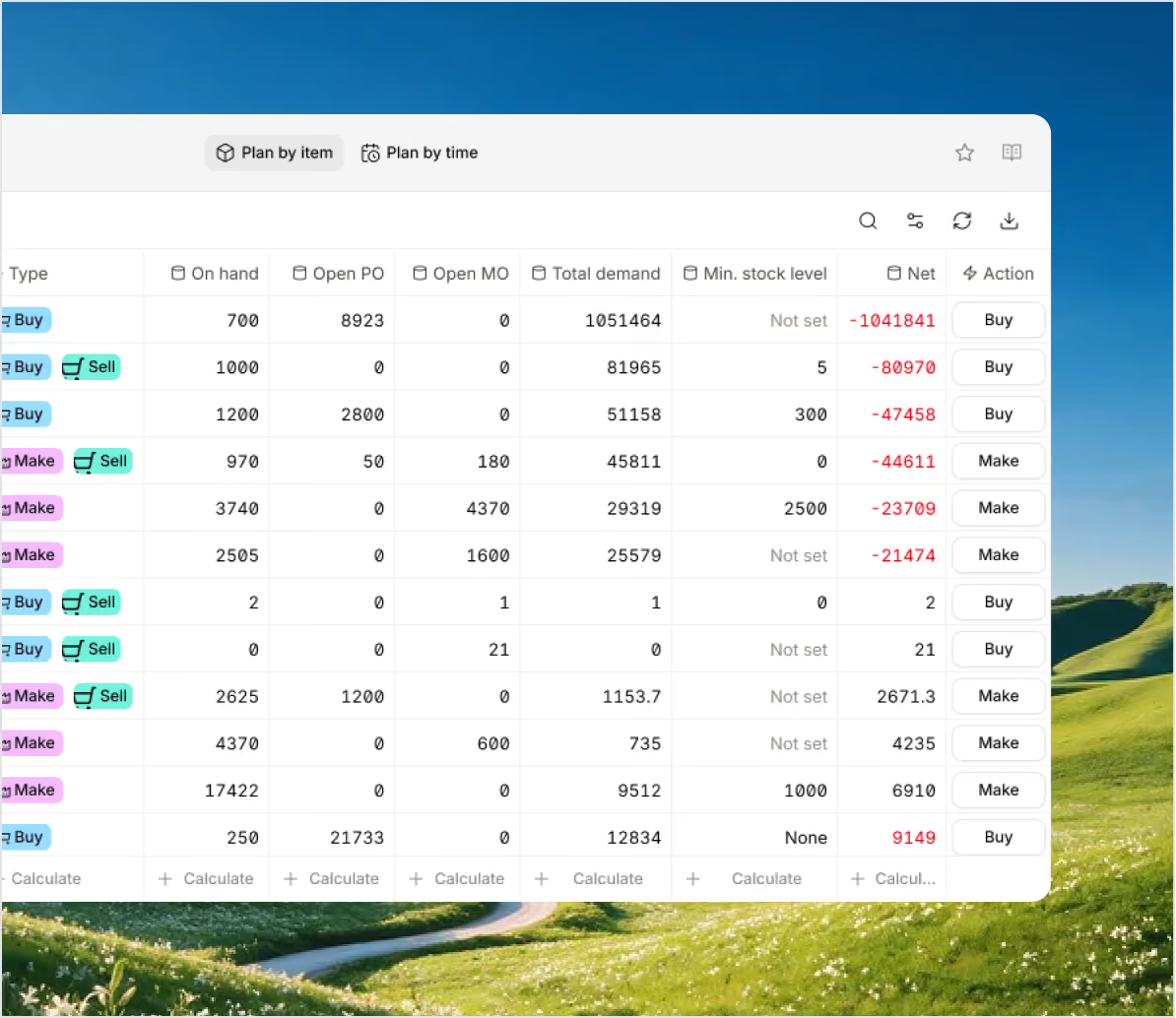
Based on sales forecasts and production schedules, you can get an overview of material levels and easily stock up before a stockout. Sutton syncs your purchase orders to production, so when a manufacturing order is created, you can quickly place a purchase order if items are missing.

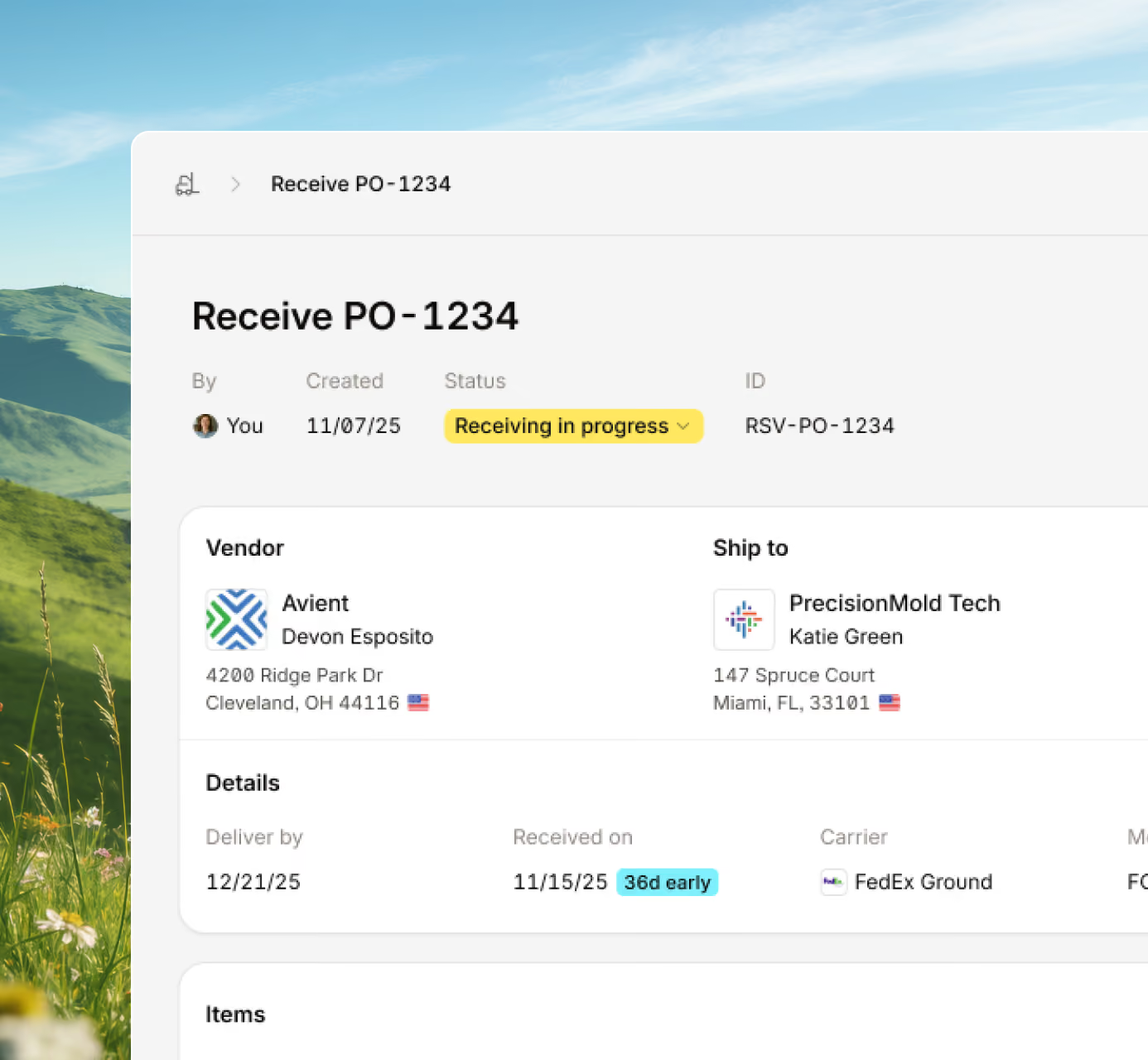
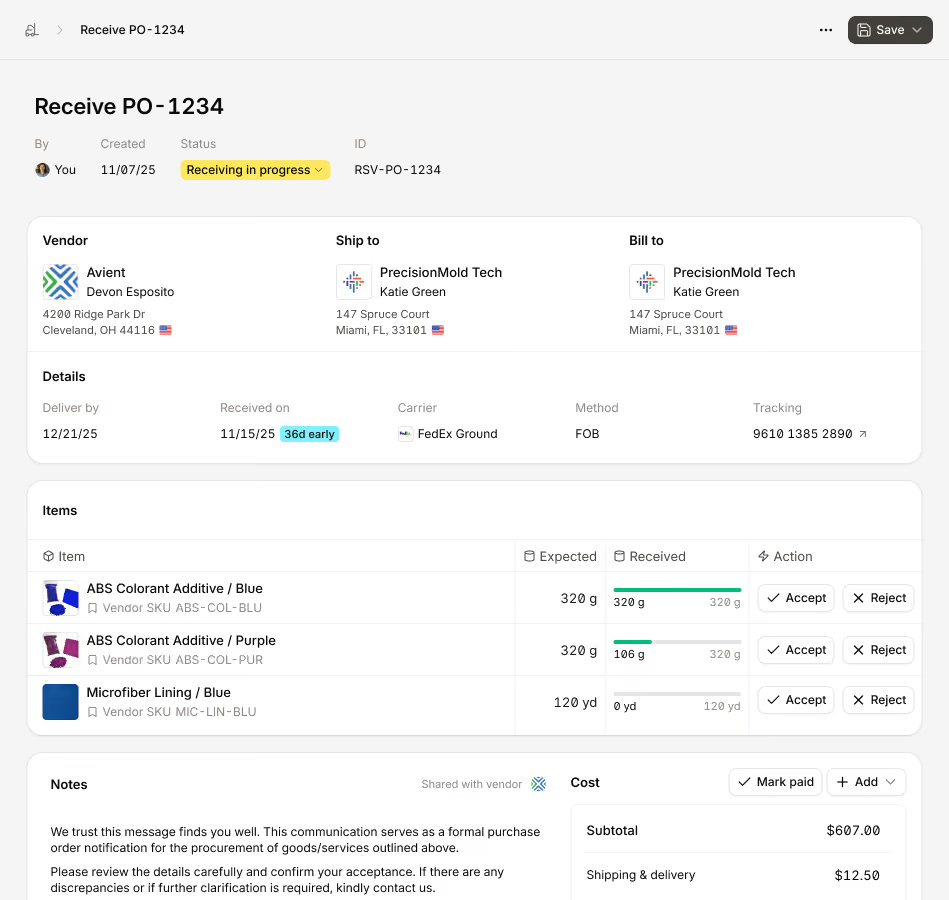
Receive purchase orders, either in full or partially, at your own warehouses or at a contractor's, with batch, lot, and expiration tracking. Every time you generate a purchase order, the shipment gets its own receiving ticket so you can easily manage multiple deliveries.
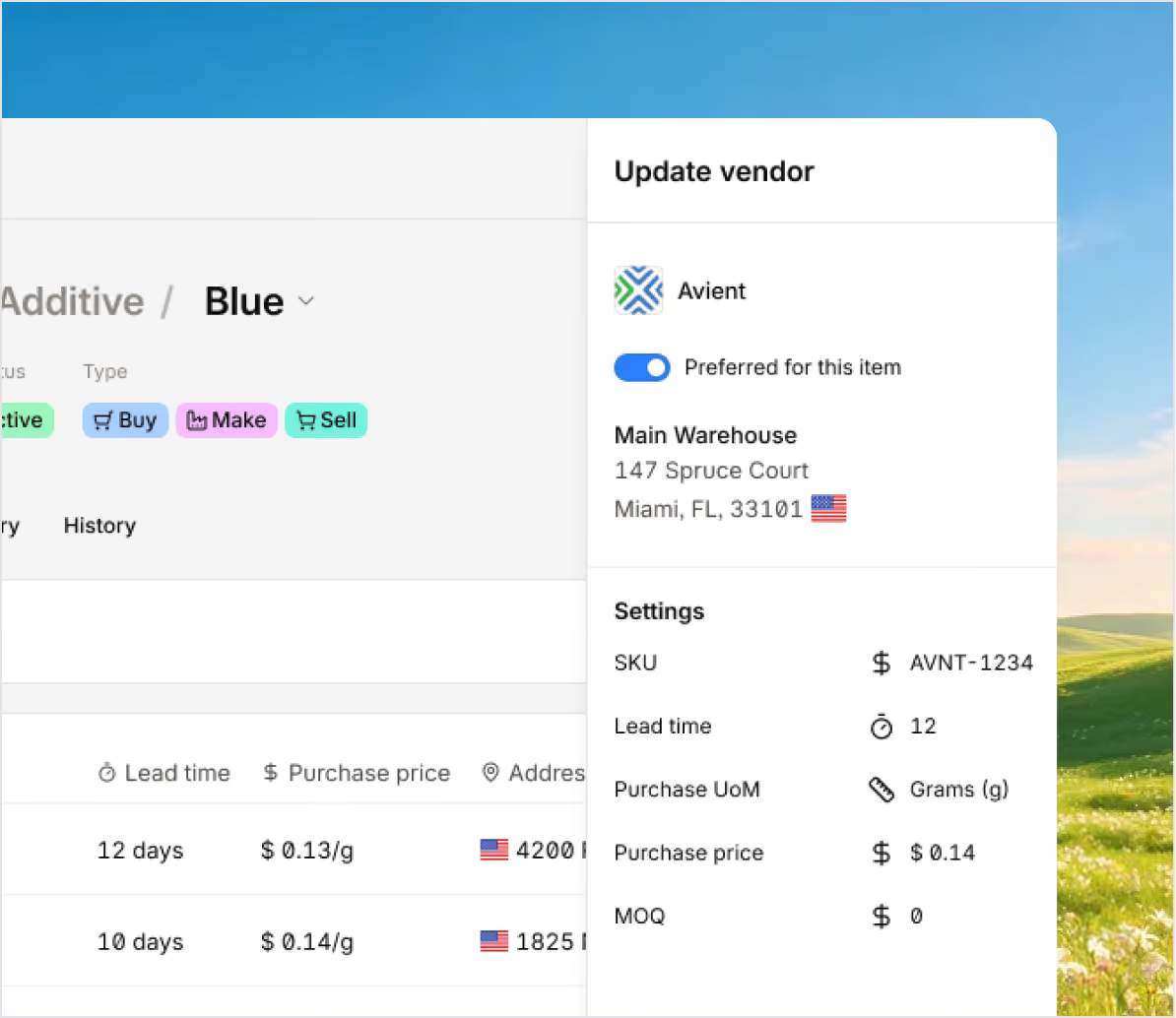
Sutton makes it easy to buy materials, from formal POs to quick in-store purchases, keeping data consistent. Purchasing is guided by real inventory and production needs, so you're not left guessing what to buy.
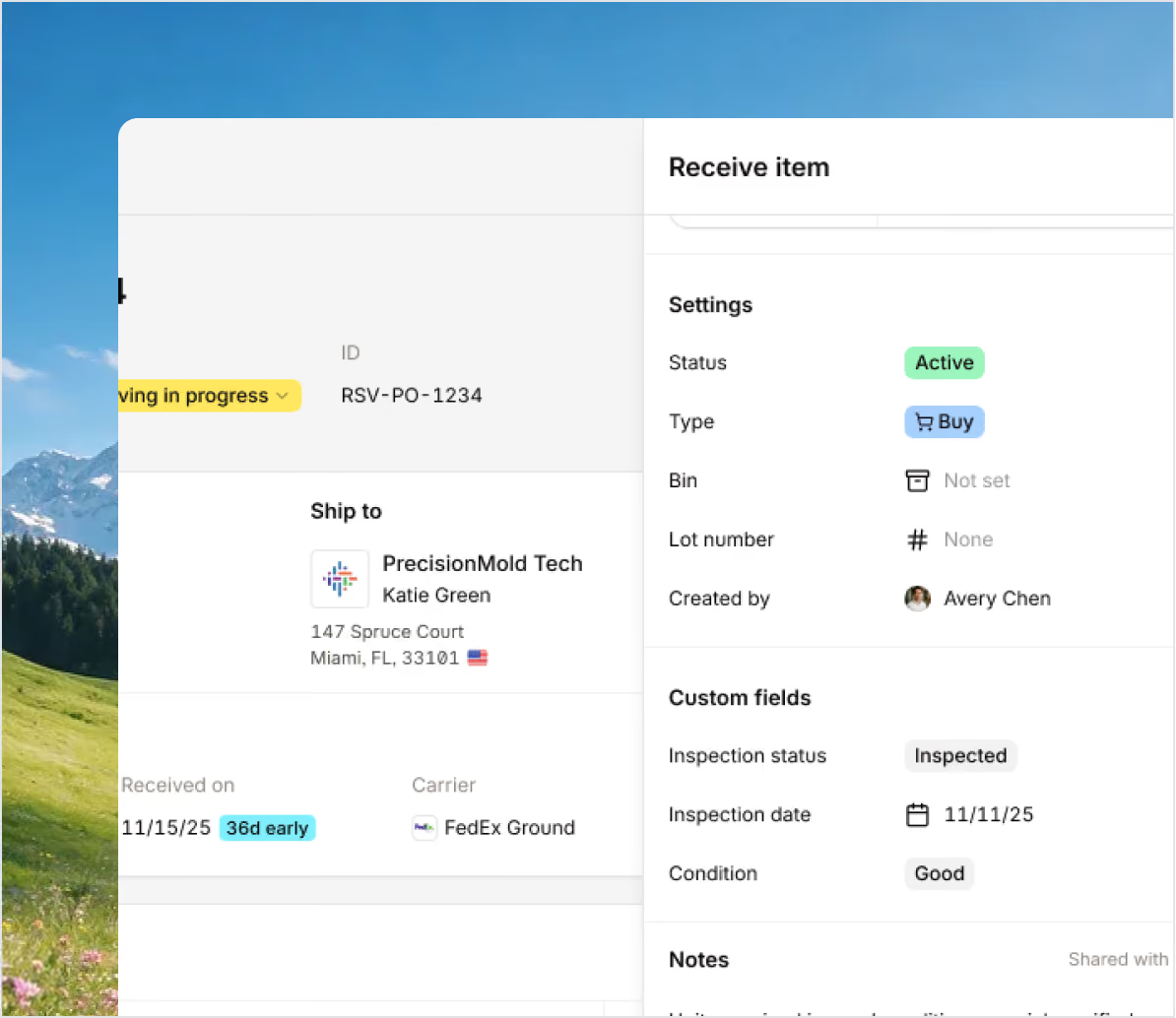
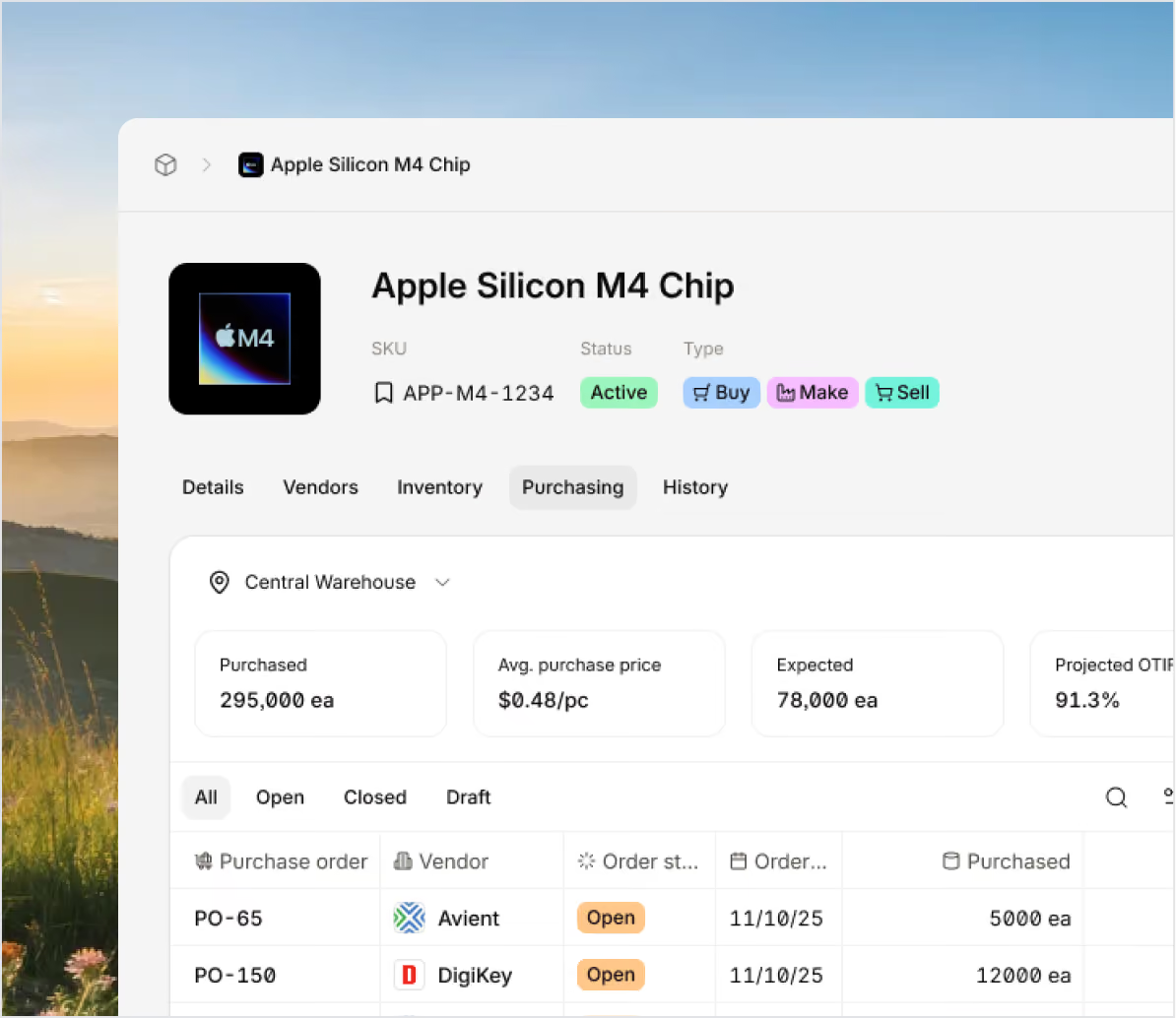
Sutton tracks purchasing and supplier history, covering performance, lead times, and cost trends over time. See vendor pricing and Actual Costing's real per-unit costs, visible together in your MO Costing tab.
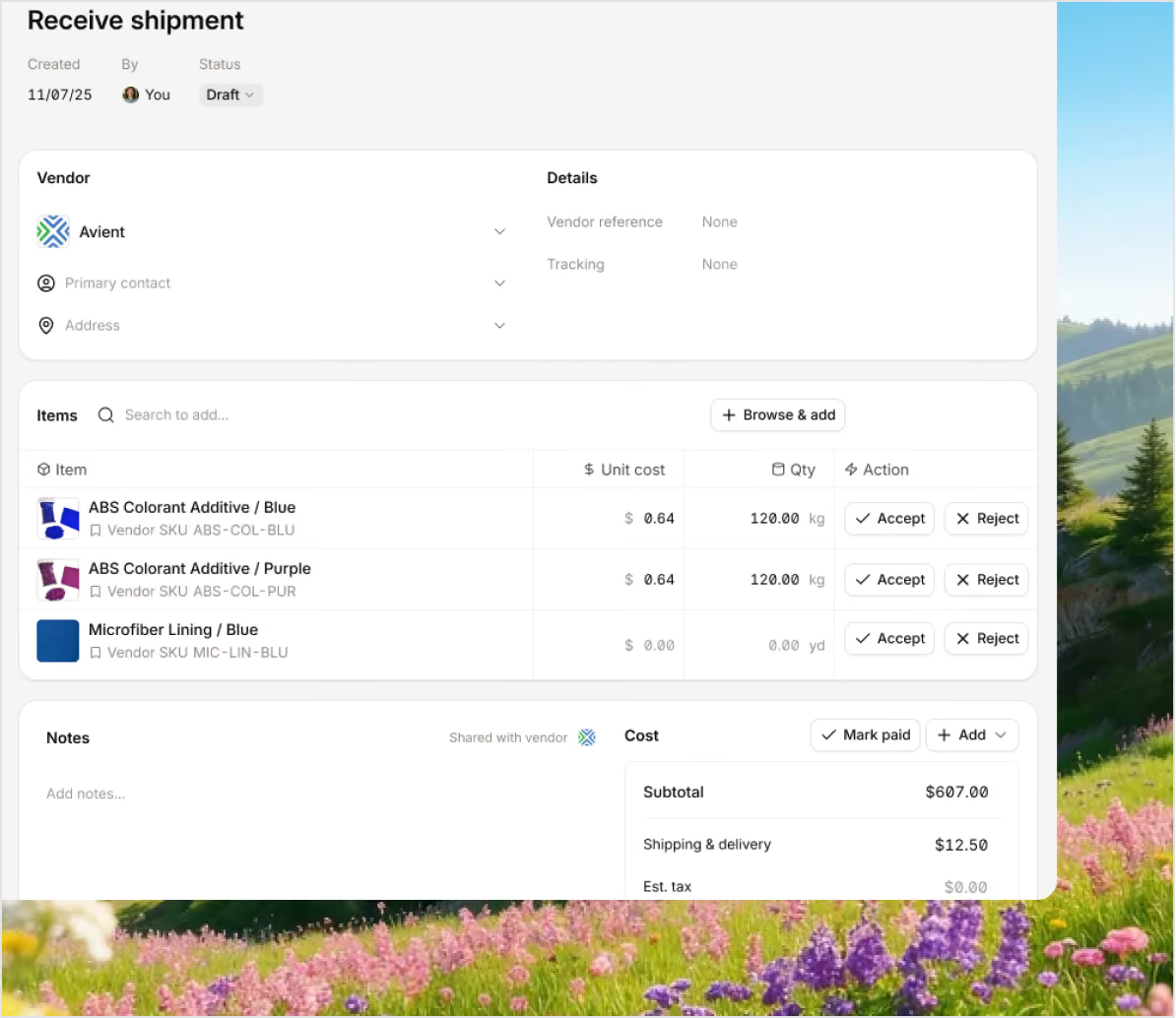
Track how much your teams spend on procurement, as well as cost reports on manufacturing, inventory, and other operations. Sutton tracks all your costs associated with materials, labor, and overhead as you make and see your finished goods inventory.
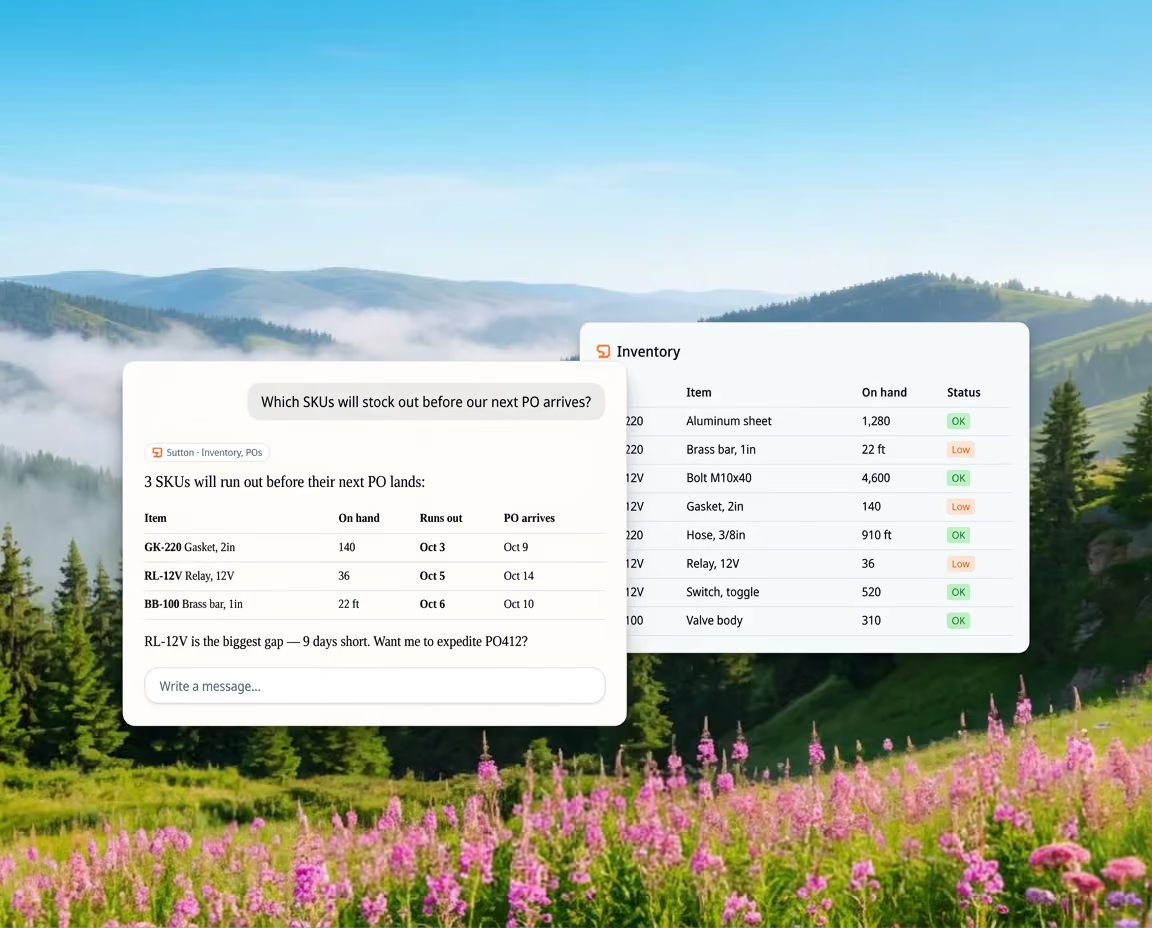
Sutton purchasing software lets you add AI assistants to your procurement workflow via an MCP connector that reads and responds to real-time data. With this, you can incorporate AI chats into your workflows to answer questions and update your procurement data.

See the measurable impact of smarter production, from machine utilization to energy costs and downtime.

On Foot Innovations cut lead time from 16 weeks to 4 days with Sutton.

VersaCourt saves 10+ hours a week by automating order and customer updates with Sutton.

No1 Raw Materials at least doubled its speed and efficiency by tracking inventory in real time with Sutton.
Bring every sales channel and accounting tool together in one system with seamless syncing and flexible API access.



Sutton brings procurement, inventory, and finance together in one place. Track materials in real time, automate receiving, and keep your accounting up to date so you can plan every purchase.


100+ manufacturers and distributors have replaced spreadsheets and legacy ERPs with Sutton.
.avif)
“I don't wanna use the word magical, but you can just communicate like you're communicating with a person.”
Andrew Pedersen


%2520(1).avif)
"With Sutton, everything from our inventory to our production data is the word of truth. I can trust it. I can rely on it."
Joshua Burris


“The impact Sutton has had has been enormous, saving a lot of time, capturing a lot of data, streamlining a lot of processes, with a system that everyone loves to use.”
Tanner Thomas

“If I can capture two seconds across 19 machines across a 24-hour span, I'll save the customer thousands of dollars.”
Chris Johnson


“Sutton has given us the insight into current and upcoming stock on our ingredients and raw materials needed for production. This allows us to procure more before we stock out and to be confident that we have enough to finish any upcoming production run.”
Adam Davis


Your most frequently asked questions, all in one place. If you don’t see what you need, reach out to us.
A purchase order management software is a tool that helps businesses improve their procurement workflows.
The goal of these tools is to centralize your data around suppliers, warehouses, and production so you can make more informed purchasing decisions, avoid stockouts, and keep your operations running. In the case of purchase order management software, Sutton gives you the tools you need to generate purchase orders and:
With all this information to hand, you can see how much inventory you need on hand to fulfill your sales and manufacturing forecasts.
There's no single "best" ERP for procurement — it depends on your vendors, volume, and how closely purchasing needs to tie to receiving and inventory. When evaluating options, look for a few key capabilities.
Vendor-guided item selection narrows the item list to what that vendor actually supplies, preventing wrong-item orders. Look for support across the full PO lifecycle — draft, send, and track fulfillment through to receipt — plus a receiving process where your team can accept or reject items as shipments arrive. Detailed line-item tracking (ordered, received, rejected) gives visibility beyond a single order status, and optional approval steps add control over spend before a PO goes out.
Integrations matter too, since procurement touches inventory and accounting. Sutton is built around these principles: vendor-controlled ordering, clear receiving, and detailed tracking, all kept in sync.
Purchase order software makes it easier to plan and buy the materials you need.
It tells you what to order by looking at your stock, sales, and production plans. You can create and send purchase orders, then track deliveries all in one place. When items arrive, your inventory updates automatically, and you can see when to expect future deliveries. This way, your team can avoid shortages, reduce delays, and keep everything moving.
The buyer issues a purchase order before any goods are delivered. It shows what they want to buy, how many, and the price.
After the goods or services are delivered, the seller sends an invoice. The invoice requests payment and lists the items delivered, the total cost, and the due date.
Procurement software streamlines the buying process and helps teams stay on top of every order.
With everything in one place, it’s easier to create, approve, and track purchases, reducing errors and avoiding unnecessary spending. Purchase order management software keeps a clear record of what’s been ordered, what’s arrived, and what’s still outstanding. This organization not only saves time but also makes audits and budgeting simpler. When businesses have a handle on their orders, they can work more efficiently, manage costs better, and strengthen their supplier relationships.
PO management software can work together with accounting systems.
For example, Sutton integrates with QuickBooks Online and similar programs, so your vendors, items, and costs update automatically. You can convert a purchase order into a bill with a single click, keeping your inventory and expenses up to date. If anything changes in purchasing or receiving, the accounting records adjust immediately.
This helps save time, reduce errors, and keep everything related to purchasing, inventory, and finances in one place.
Purchase order software streamlines procurement by accelerating the buying process and improving tracking.
It automates tasks such as creating, approving, and sending orders, reducing errors and saving time. Teams get a clear view of all orders, spending, and delivery updates in one place. Purchase Tracking Software also sticks to company policies and keeps digital records ready for audits. With this kind of visibility and control, businesses can keep costs in check, reduce mistakes, and work more efficiently with suppliers.
