

Connect raw materials, WIP, and finished goods inventory, and track your entire manufacturing process from start to finish with Sutton.











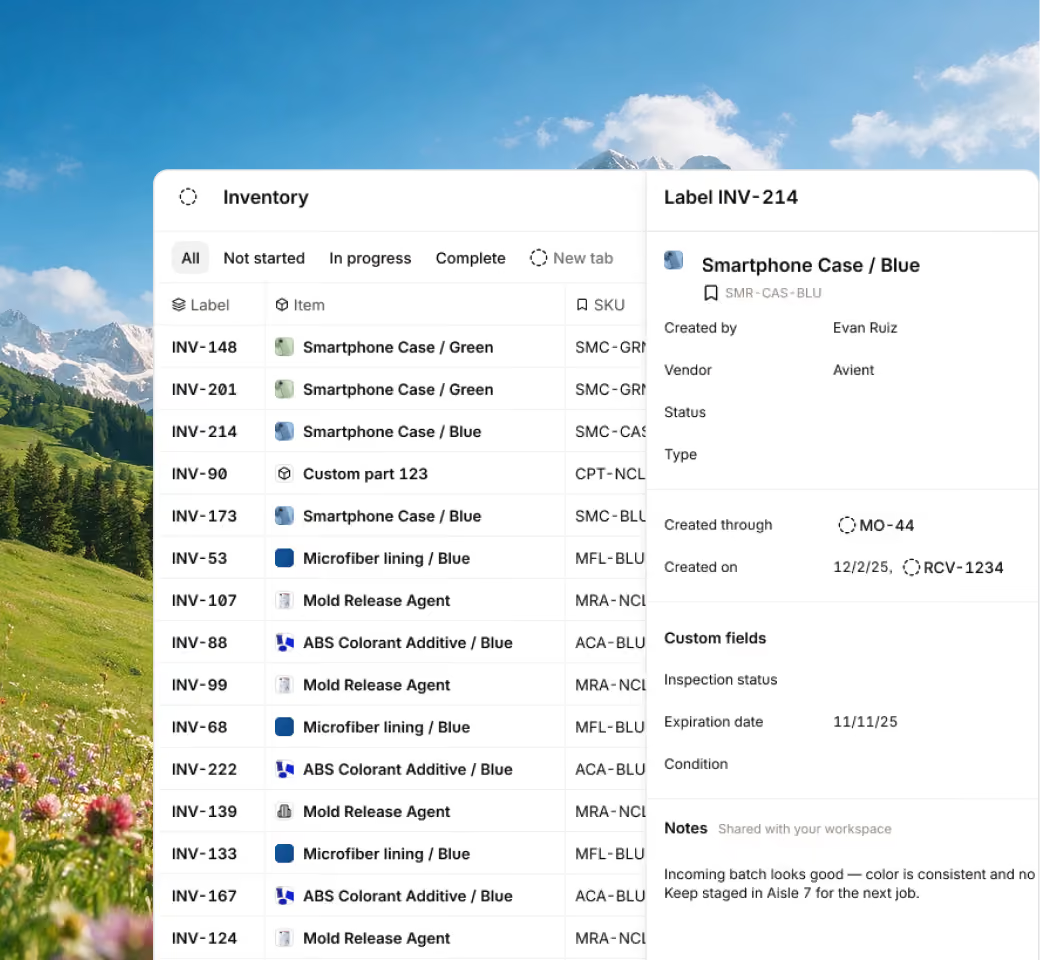







From the moment an item is received, right through to its conversion into a finished product, track your inventory at every stage of production.
Including:

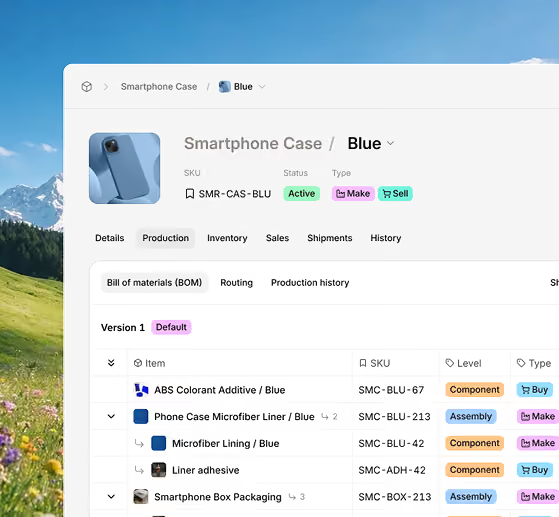
Manage all your product builds and keep track of any alterations to your recipes, and have materials automatically committed to manufacturing orders.
Including:
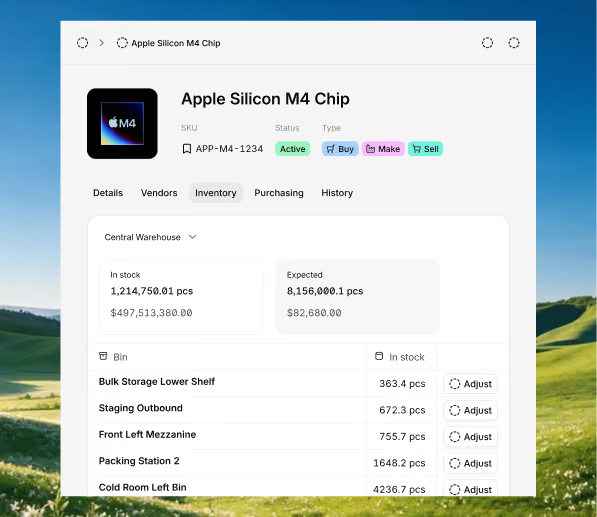
As stock moves into production or is sold to a customer, Sutton gives you live updates on current inventory levels based on where the items went.
Including:
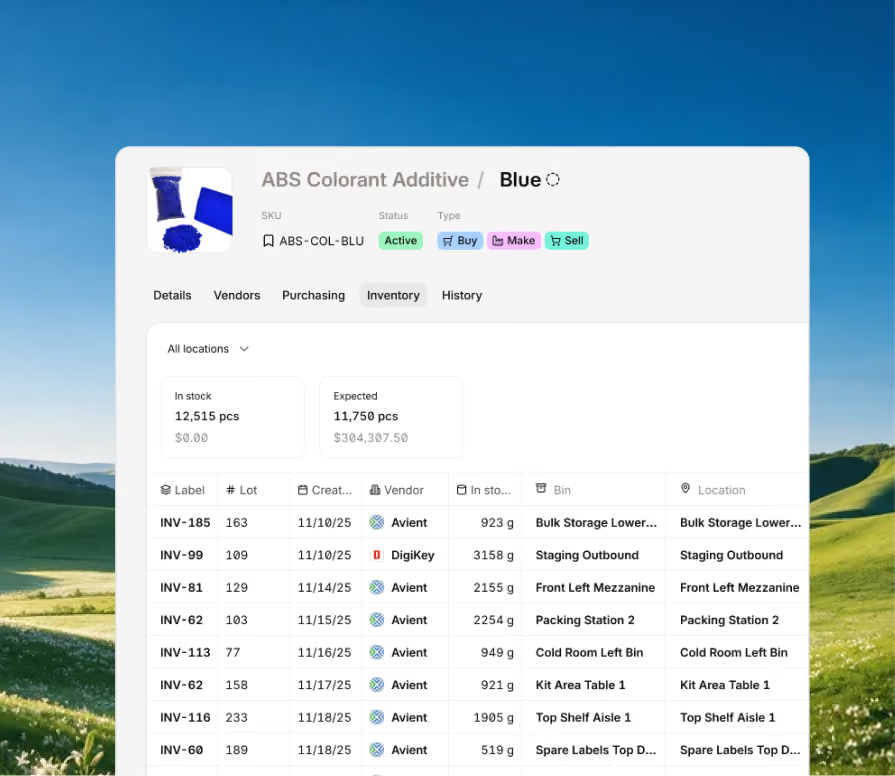
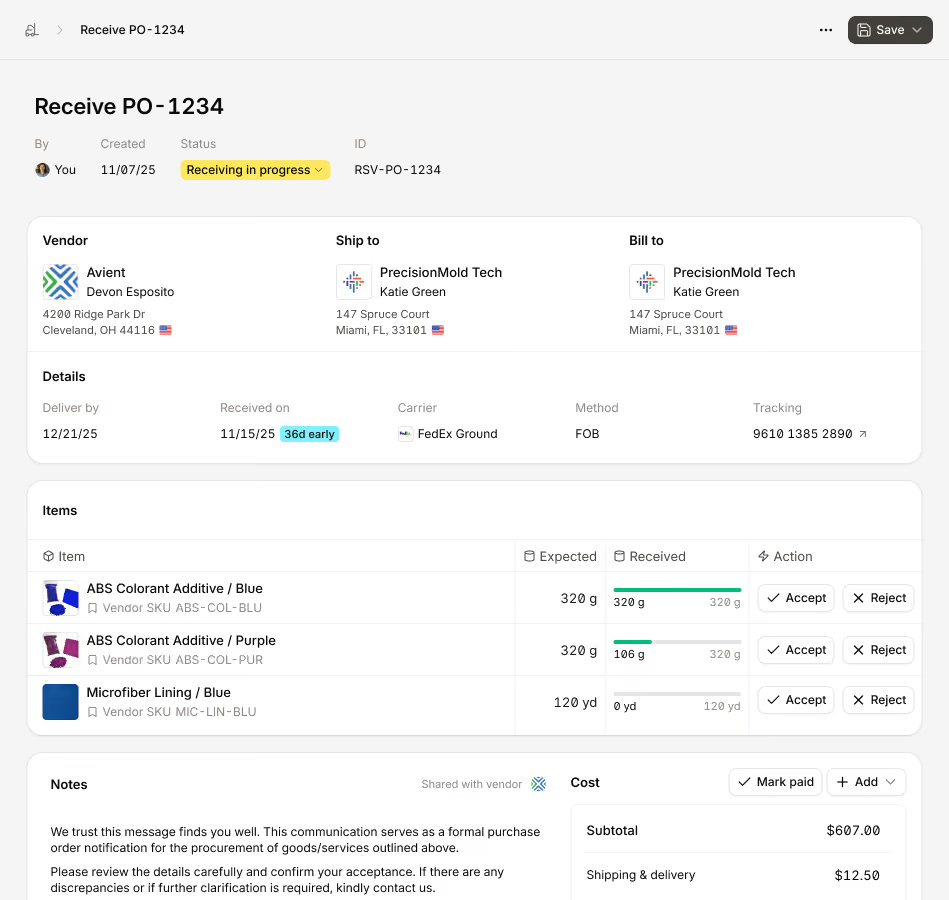
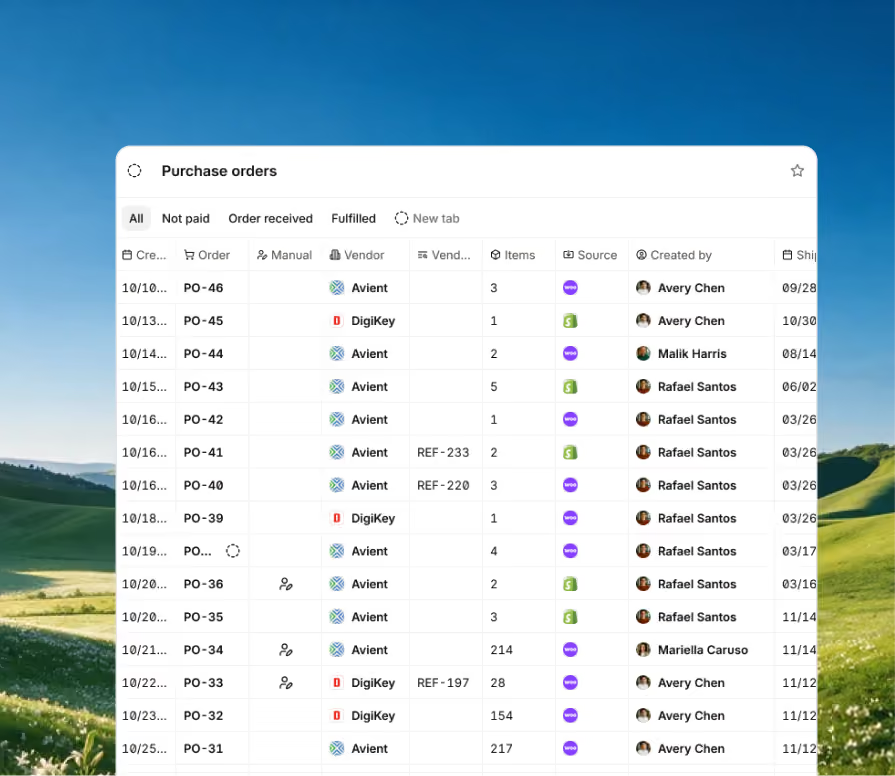
Always make sure you have inventory on-hand to fulfill manufacturing and sales orders, with a PO process synced to live inventory data,
Including:
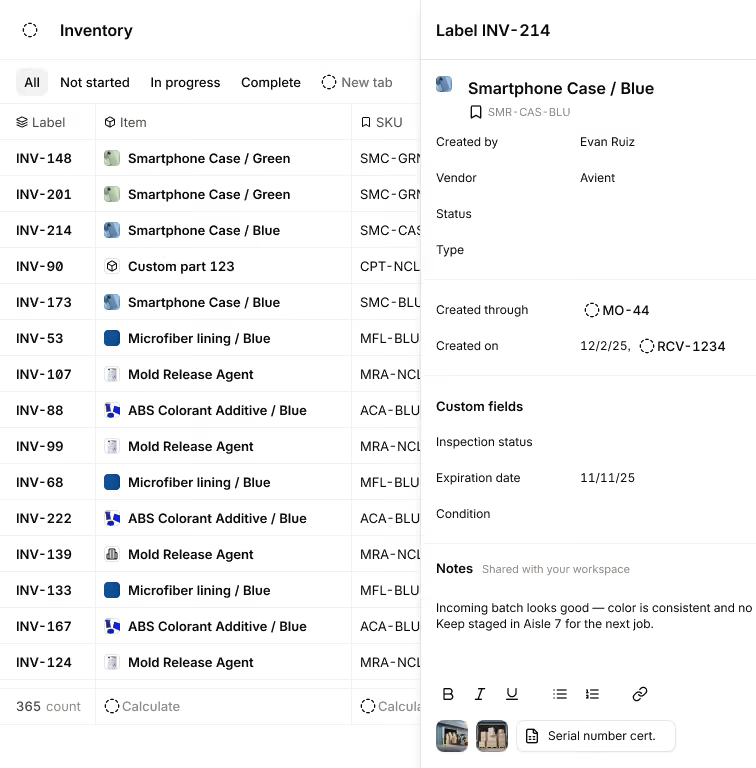
Wherever your items came from or went, Sutton gives you the tools to track your inventory upstream and downstream.
Including:

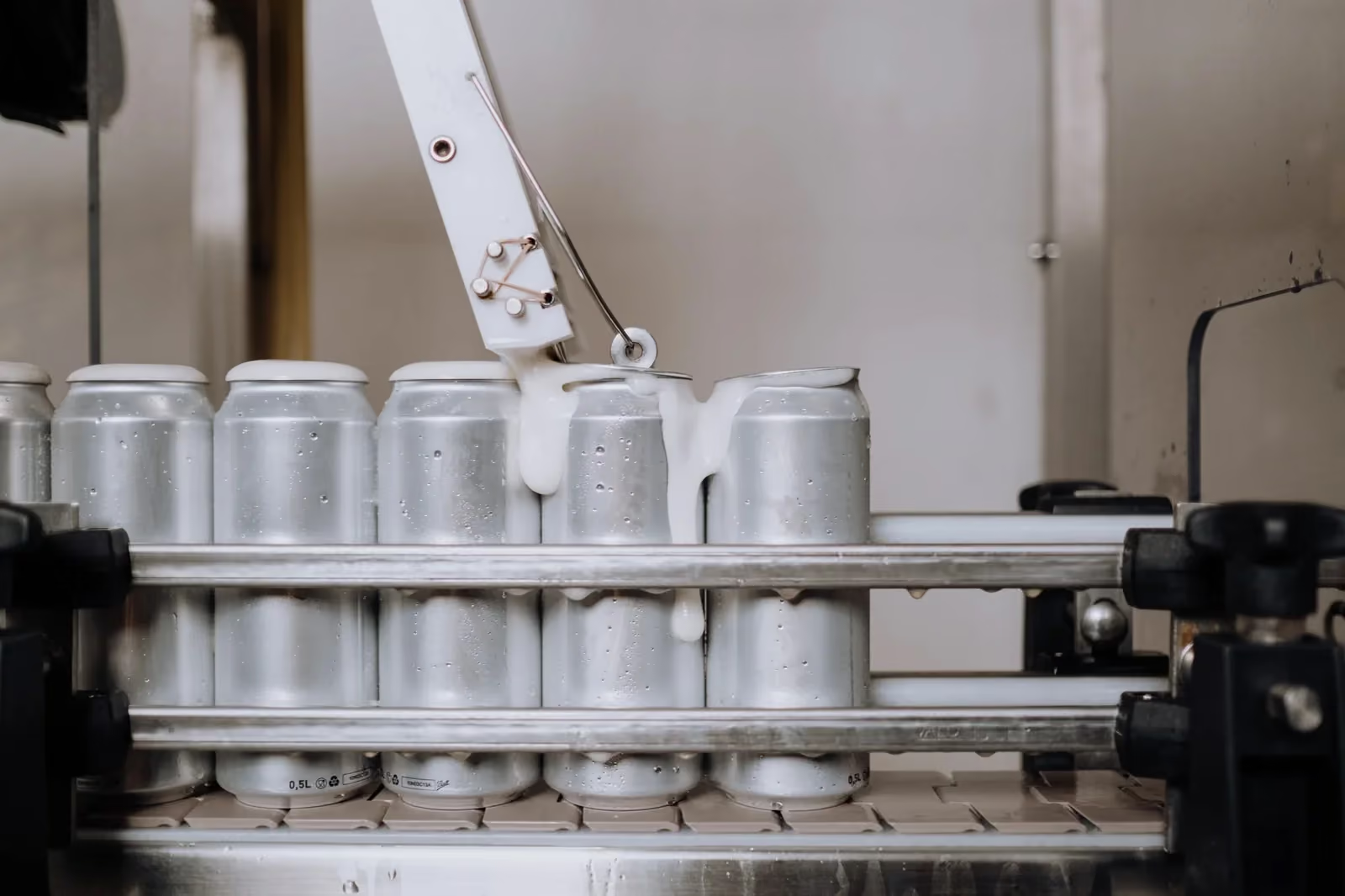
See the measurable impact of smarter production, from machine utilization to energy costs and downtime.

On Foot Innovations cut lead time from 16 weeks to 4 days with Sutton.

VersaCourt saves 10+ hours a week by automating order and customer updates with Sutton.

No1 Raw Materials at least doubled its speed and efficiency by tracking inventory in real time with Sutton.
Bring every sales channel and accounting tool together in one system with seamless syncing and flexible API access.



Bring your inventory, accounting, and production together in stock management software built for manufacturers. Keep every part of your business connected, accurate, and easy to track.


100+ manufacturers and distributors have replaced spreadsheets and legacy ERPs with Sutton.
.avif)
“I don't wanna use the word magical, but you can just communicate like you're communicating with a person.”
Andrew Pedersen


%2520(1).avif)
"With Sutton, everything from our inventory to our production data is the word of truth. I can trust it. I can rely on it."
Joshua Burris


“The impact Sutton has had has been enormous, saving a lot of time, capturing a lot of data, streamlining a lot of processes, with a system that everyone loves to use.”
Tanner Thomas

“If I can capture two seconds across 19 machines across a 24-hour span, I'll save the customer thousands of dollars.”
Chris Johnson

“Sutton has given us the insight into current and upcoming stock on our ingredients and raw materials needed for production. This allows us to procure more before we stock out and to be confident that we have enough to finish any upcoming production run.”
Adam Davis


Your most frequently asked questions, all in one place. If you don’t see what you need, reach out to us.
Manufacturing inventory software needs to do more than count stock.
At its core, it should track raw materials, work-in-progress, and finished goods as one continuous flow, rather than as separate, disconnected records. That means materials are logged into inventory upon receipt, picked from inventory the moment a Manufacturing Order starts, and replaced by finished goods once that order is complete. Bill of materials and recipe management should be built in, so the software knows exactly which components and quantities a product needs, and can pull them automatically during production.
Stock deduction should occur in real time as materials are picked, with the actual cost of each item captured and rolled into the job cost, rather than estimated after the fact. On the purchasing side, look for purchase order creation and tracking that automatically add received stock to inventory — just be aware that not all systems include automated reorder points, so restocking may still depend on your team creating POs manually. Lot, batch, and serial number traceability matter too, especially if you need to trace a product back to the exact batch or unit it came from. Finally, solid reporting (inventory valuation, cost of goods sold, and exportable data) turns all of that tracking into information you can actually act on.
Inventory management software is basically only focused on telling you accurately what you have, where it is, and what it's worth, whether that's raw materials, work-in-progress, or finished goods.
It's about the visibility and accuracy of stock. An MRP (Material Requirements Planning) system builds on that by looking forward — using your bill of materials, sales demand, and lead times to calculate what you'll need to buy or produce, and when, so you can plan ahead instead of just reacting to what's currently on the shelf.
An ERP (Enterprise Resource Planning) system goes even further, connecting inventory and production data with other parts of the business, like finance, purchasing, and sales, so every department is working from the same real-time information.
In practice, many manufacturers don't have to choose one over the others — a connected platform can handle accurate inventory tracking, MRP-style planning, and ERP-level visibility across the business all in the same system, so materials, production, and financials never fall out of sync.
Bill of materials management should live directly on the product item, not in a separate spreadsheet.
You build a BOM version and add every component the finished product requires, along with the exact quantity needed to produce one finished unit. That BOM then acts as the recipe for production: when a Manufacturing Order is created for that item, the inventory management software for manufacturing automatically knows which materials to pull from inventory and in what amounts, rather than relying on someone to remember or look it up. For businesses with a lot of existing BOM data, an import tool can bring that structure in at once instead of rebuilding it item by item.
And for more complex products with subassemblies, the system can explode a multi-level BOM automatically, generating the manufacturing orders needed for each sub-assembly so nothing has to be planned manually — the whole nested structure of the product is handled as one connected build.
Yes. Inventory and production data are only useful if they line up with your financials, so connecting to accounting software like QuickBooks is a core part of how manufacturing inventory software should work.
As materials are received, picked for production, or completed as finished goods, that activity (and its actual cost) can sync through to your accounting system, keeping inventory valuation and cost of goods sold accurate without double entry.
Beyond QuickBooks, the same connection typically extends to sales channels and ecommerce tools, plus an open API for anything custom, so inventory, production, and financial data all stay in sync across every system your business already relies on.
Lot and batch tracking start at the Manufacturing Order.
When you create one, you can assign it a lot number, and that number carries through the entire production process, so the batch stays clearly linked to the exact production run that created it. For products that need item-level detail rather than batch-level, serial tracking lets you assign a unique label or barcode to each individual unit, giving you precise visibility into that specific item as it moves through production and sale. You choose which method to use when you first set up the item: Standard for tracking bulk quantities, or Serialized when you need detailed batch or unit-level traceability.
Either way, the system keeps a record of the actual cost and full history of every inventory label, from the moment it's acquired, through production, to the point it's sold — so if you ever need to trace a problem back to its source, or forward to everywhere it ended up, that history is already there.
